


Tag: FPS
New JC-MP Scavenger Hunt Underway!
by Darwood37 on Mar.19, 2015, under Games, General, JC2-MP, PC
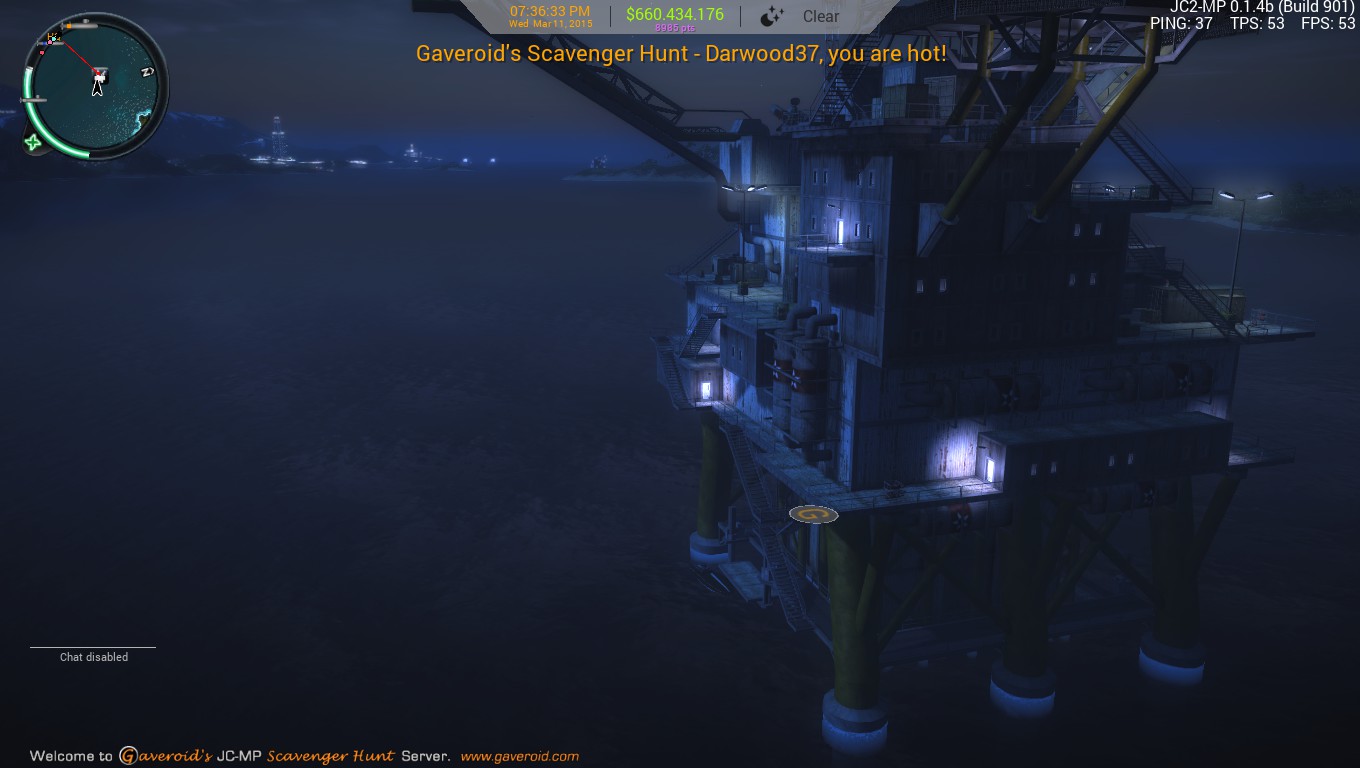
Well that was a quick one. Congratulations to DistopianBandit who won themselves a copy of Sniper Elite N. Zombie Army 2. He found the logo on March 14th 2015 at 4:23am. It’s location was x:13397.501953 y:203.985794 z:-13477.190429.
A new hunt has begun. Join our JC-MP server to find out what you can win.
Port: 7777
To find out more about Just Cause 2 Multiplayer (JC-MP) and Gaveroid’s JC-MP Scavenger Hunt Server click here.


Gaveroid’s JC-MP Scavenger Hunt – A New Hunt Begins
by Darwood37 on Jun.14, 2014, under Games, General, PC
 Most of you by now should be fully aware of Gaveroid’s Just Cause 2 Multiplayer Scavenger Hunt. Within the next few days a new hunt will begin. You can easily check to see if a hunt is underway by joining our JC-MP server at jc-mp.gaveroid.com:7777 and pressing F5, if you see a tab called Scavenger Hunt this means for you to start looking as the hunt has begun.
We have positioned a large Gaveroid “G” logo at a hidden location somewhere on the Just Cause 2 multiplayer map. Your mission is to travel around Panau and hunt for the hidden logo. When you find the logo, move into it’s radius. It will then change color and a popup box will appear on your screen with instructions on how to claim your prize. The first person to complete these objectives will win the current prize. Please note; just because you find it does not necessarily mean you have won. We will notify you within 48 hours to let you know.
This hunt’s prize will be BioShock Infinite for the PC. Please note that this game requires Steam to play.
Click here to visit the Steam store page for this game.
Now, to keep everything going smoothly, we have some rules and disclaimers.
We are not responsible if the game does not run on your computer. It is your responsibility to make sure it is compatible with your PC and that your PC meets the system requirements. We are not responsible for any errors whatsoever either by the game server, Steam, our website, or you.
The game listed above is what you will receive through Steam. You will not get credited in any other way for the value of the prize. You will not be able to exchange your prize for another or request it for another platform.
After you add the gift to your library, you cannot transfer it to another account or individual. We will not send it to another account or individual. You must have a Steam account, The game Just Cause 2 and The Just Cause 2 Multiplayer mod.
If you already own a copy of the game prize we will be unable to send you another copy as a gift through Steam so you are ineligible to win.
Gaveroid’s Scavenger Hunt is not open to Gaveroid system administrators or moderators. No purchase necessary.
Please remember, just because you find the logo does not necessarily mean that you have won. The first person to find the logo and complete the instructions on how to claim your prize will win.
Good luck, everybody!

Far Cry 3 leaves behind 9GB after GameStop Downloader install
by Gaveroid on Mar.09, 2014, under Games, General, PC
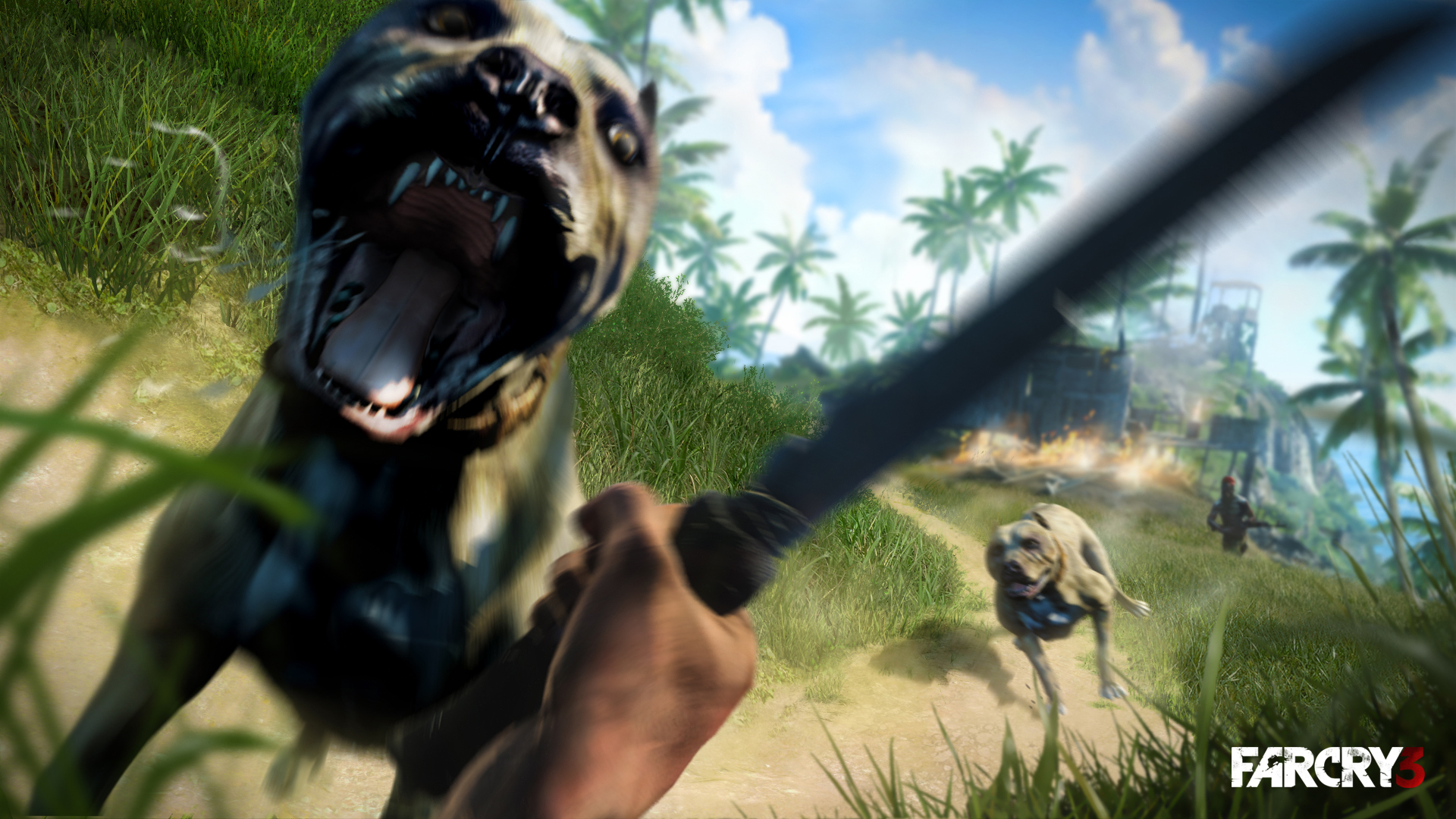 If you’re like me and strolled down to a local GameStop to go purchase Far Cry 3 about a year ago, you probably got it through the GameStop Downloader program. Here’s a little trick; the game functions without it, and it leaves behind 9GB of install data that is unneeded to play the game. Now, I did this through the Digital Deluxe edition, so I’m not sure how this goes down in the normal version.
When you install it, it will do it’s thing, and verify through UPlay. However, if you’ve noticed, you don’t need it to play after it’s been validated in UPlay – don’t even notice it’s there. You can pretty much uninstall GameStop’s app at this point (but if you’re like me, you may have crumbled and gotten their Pro Rewards subscription as it comes with GameInformer, you’ll probably need it for more GameStop PC purchases you may make in the future), but it’s not really a bother.
If you navigate into your Ubisoft directory under Program Files, you will find a Far Cry 3 directory and (in my case) a Far Cry 3 Digital Deluxe directory (not sure what it’s called for non-DD owners). The latter should be 9.05GB of data. It should have an Install folder in it, riddled with CAB files. Looks to me like they just beamed over the data straight from the CD! You can delete this, burn it to a disc, move it to a external hard drive (like I did), whatever. I’m in a fight for disc space on my M14xR2 laptop (as with laptops it’s hard to find a decent performance drive over 750GB, not to mention I’d have to upgrade my drive I backup to), so this helped me quite a bit.
I have another way to save disc space coming up soon, so stay tuned here at Gaveroid.com for the next post!

-
Hi! Welcome to Gaveroid!
A geek with a dog and a blog
Thanks for dropping by! Please feel free to look around.
Stay updated by subscribing to our RSS feed.
Gaveroid on Instagram

discord.gaveroid.com









You must be logged in to post a comment.