


Author Archive
Far Cry 3 leaves behind 9GB after GameStop Downloader install
by Gaveroid on Mar.09, 2014, under Games, General, PC
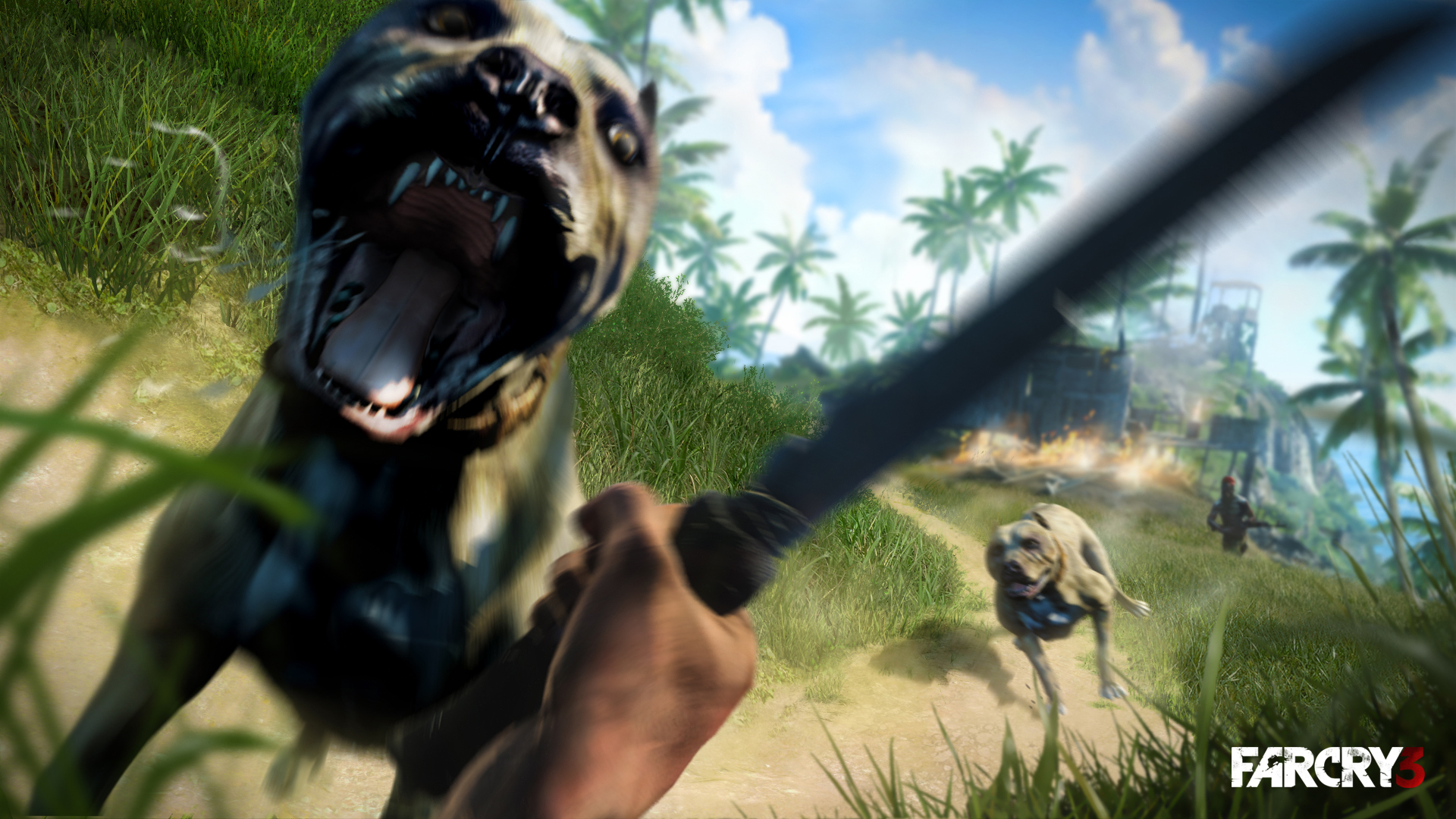 If you’re like me and strolled down to a local GameStop to go purchase Far Cry 3 about a year ago, you probably got it through the GameStop Downloader program. Here’s a little trick; the game functions without it, and it leaves behind 9GB of install data that is unneeded to play the game. Now, I did this through the Digital Deluxe edition, so I’m not sure how this goes down in the normal version.
When you install it, it will do it’s thing, and verify through UPlay. However, if you’ve noticed, you don’t need it to play after it’s been validated in UPlay – don’t even notice it’s there. You can pretty much uninstall GameStop’s app at this point (but if you’re like me, you may have crumbled and gotten their Pro Rewards subscription as it comes with GameInformer, you’ll probably need it for more GameStop PC purchases you may make in the future), but it’s not really a bother.
If you navigate into your Ubisoft directory under Program Files, you will find a Far Cry 3 directory and (in my case) a Far Cry 3 Digital Deluxe directory (not sure what it’s called for non-DD owners). The latter should be 9.05GB of data. It should have an Install folder in it, riddled with CAB files. Looks to me like they just beamed over the data straight from the CD! You can delete this, burn it to a disc, move it to a external hard drive (like I did), whatever. I’m in a fight for disc space on my M14xR2 laptop (as with laptops it’s hard to find a decent performance drive over 750GB, not to mention I’d have to upgrade my drive I backup to), so this helped me quite a bit.
I have another way to save disc space coming up soon, so stay tuned here at Gaveroid.com for the next post!

Just Cause 2 Multiplayer Scavenger Hunt – You could win a free game!
by Gaveroid on Mar.02, 2014, under Games, General, PC
Here at Gaveroid.com, we try to help you have the best experience possible. Well, what adds to the experience as well as free stuff? We are starting up a recurring event each 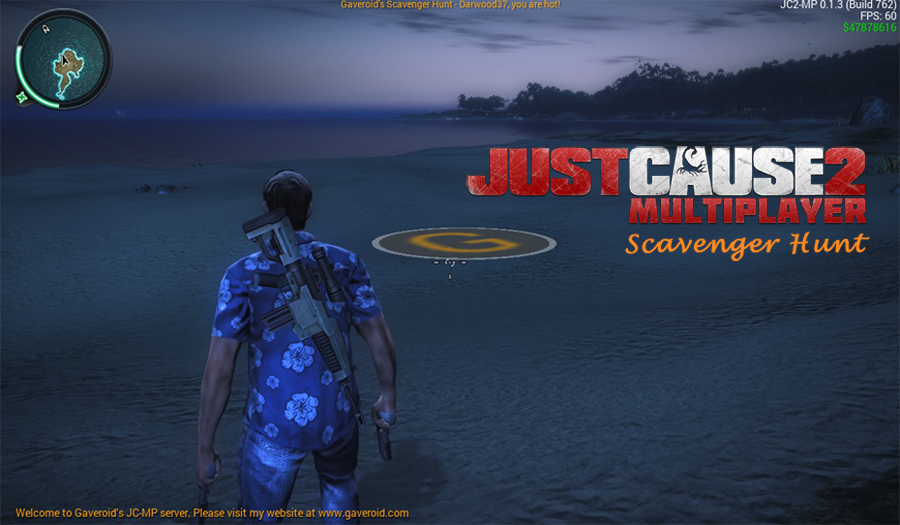 month called Gaveroid’s Scavenger Hunt, taking place on our Just Cause 2 Multiplayer game server.
Each month, we will position a large Gaveroid “G” logo at a hidden location somewhere on the map. Your mission is to travel around Panau and hunt for the hidden logo. When you find the logo, move into it’s radius. It will then change color and a popup box will appear on your screen with instructions on how to claim your prize. The first person to complete these objectives will win the prize. Pease note; just because you find it does not necessarily mean you have won. We will notify you within 48 hours to let you know.
The first month’s prize will be The Elder Scrolls V: Skyrim for the PC. Please note that this game requires Steam to play.
Click here to visit the Steam store page for this game.
Now, to keep everything going smoothly, we have some rules and disclaimers.
Rules and Disclaimers
We are not responsible if the game does not run on your computer. It is your responsibility to make sure it is compatible with your PC and that your PC meets the system requirements.
We are not responsible for any errors whatsoever either by the game server, Steam, our website, or you.
The game listed above is what you will receive through Steam. You will not get credited in any other way for the value of the prize. You will not be able to exchange your prize for another. After you add the gift to your library, you cannot transfer it to another account or individual.
You must have a Steam account, The game Just Cause 2 and The Just Cause 2 Multiplayer mod.
The Scavenger Hunt is not open to Gaveroid system administrators or moderators. No purchase necessary.
Please remember, just because you find the logo does not necessarily mean that you have won. The first person to find the logo and complete the instructions on how to claim your prize will win.
Now, let the hunt begin! Good luck, everybody!

Gaveroid TeamSpeak 3 Server now up!
by Gaveroid on Jan.05, 2014, under Games, General, PC
We have recently opened up a TeamSpeak 3 server, to go along with our Just Cause 2 Multiplayer server! If you’d like to go check it out, the server is located at teamspeak.gaveroid.com. You should drop in for a few minutes if you can!
Here’s a bit more about TeamSpeak 3.
TeamSpeak, a freeware gaming chat client originally released in October of 2001, is a popular way for gamers to voice chat with each other in games. Although it’s not marketed as such, it’s even useful for non-gaming situations. Unlike most chat/IM programs today (such as Skype, XFire, Yahoo Messenger, etc.), TeamSpeak requires a server to be set up, rather than using the more popular P2P method. The advantage to this is, game server owners can host their own TeamSpeak servers for users to chat on while playing. Some games have poor, or no voice chat at all, so TeamSpeak is a popular option.
TeamSpeak 2 was released a few years later, expanding upon the program, and introducing many new features. Instead of being distributed as an update to the original TeamSpeak client, it was released as a seperate download. This was because so many people still had their servers set up for the original version. That way, they wouldn’t have to setup their server all over again if they didn’t want to, as there were many changes added in TeamSpeak 2. TeamSpeak 2 offered users an address book (what is now the Bookmarks list), a public server browser, the ability to have multiple channels in a server, moderation utilities, better sound quality, and much more. TeamSpeak 2, although being replaced by TeamSpeak 3, is still available for download (TeamSpeak 1 has been discontinued, however).

TeamSpeak 3 was eventually released, bringing better voice quality, 3D sound virtualization, improved security, more customization (skins, scripting, etc.), and much more to the table. TeamSpeak 3 is the most popular version, being the most up-to-date. The 3D sound, although in reality slightly gimmicky, allows you to change the position of those in your channel. For example, while having a meeting about the server, you can place everyone in a different spot in a “round table” formation.
Today, TeamSpeak is still one of the most popular gaming voice-chat solutions. It has many competitors (including Mumble and Ventrilo, very similar programs), but it is still the one that most gamers prefer. Click here to learn more about TeamSpeak 3.
Download TeamSpeak 3

-
Hi! Welcome to Gaveroid!
A geek with a dog and a blog
Thanks for dropping by! Please feel free to look around.
Stay updated by subscribing to our RSS feed.
Gaveroid on Instagram

discord.gaveroid.com









You must be logged in to post a comment.